Best Mobile Video Editing Apps: Create Polished Videos on Your Phone
From quick social clips to multi-track edits — the best apps and workflows for creators.
James Pérez
Solution Architect · +17 years experience · March 26, 2026
Topic explanation
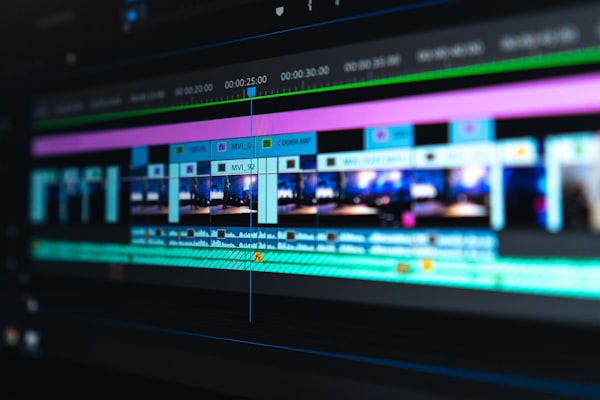
Mobile video editors range from simple, template-based apps for social clips to professional multi-track editors that support color grading, keyframes and external audio.
AI features such as auto-captions, auto-cut, and smart templates speed up the edit process and help creators produce higher-quality videos with less effort.
Why it matters
Rapid mobile editing lets creators capture, edit and publish from anywhere. For many creators, a reliable mobile workflow means faster iteration and better engagement on social platforms.
Choosing the right app improves efficiency and reduces time spent on repetitive tasks like captioning and basic color correction.
Step-by-step solution
1. Define your output: social vertical video, YouTube horizontal or short ads — this determines export settings and aspect ratio.
2. Choose an app: template-driven apps are fast; pro apps give fine control. Test one app per workflow before committing.
3. Establish a shooting checklist: consistent frame rates, lighting and audio reduce edit time.
4. Use AI features: auto-caption, scene detection and smart templates to speed the first pass. Then refine cuts, color and audio manually.
5. Export with correct codecs: H.264/MP4 for compatibility; use target bitrate and resolution appropriate for the platform.
Tools / examples
CapCut
Popular, template-rich editor with smart auto-cut and AI features for quick social videos.
KineMaster
Multi-track mobile editor with fine control, keyframes and advanced export options. Good for creators who need precision.
Adobe Premiere Rush / Premiere Clip
Strike balance between simplicity and pro features with cloud sync to Creative Cloud for cross-device workflows.
LumaFusion (iOS)
Professional-grade mobile editor for iOS with multi-track timelines and color tools favored by mobile filmmakers.
Example workflow — social clip
Import clips, apply auto-caption, use a 3-clip template, adjust audio ducking and export in vertical 9:16 for reels.
FAQ
Q: Which app is best for quick social videos? A: CapCut and InShot are excellent for fast edits and templates; choose based on your preferred interface and export options.
Q: How to avoid watermarks? A: Many apps remove watermarks with a paid plan; check export settings or consider alternative apps that don't add watermarks.
Q: Can mobile editors handle complex projects? A: Yes—pro apps like KineMaster and LumaFusion handle multi-track timelines, but large projects may still benefit from desktop tools.
Conclusion
Mobile editing is powerful and accessible. Choose the app that fits your content style, standardize shooting settings and use AI features to speed up repetitive tasks.
Action: pick the app that matches your output, create a reusable template and edit one clip end-to-end to validate your workflow.